

STEP 01
Prepare
Decide who the webinar is for, set up registration and communication, and get speakers and content ready before the session.
cRUD Webinar keeps registration, preparation, production, delivery, reporting and follow-up connected, so each stage starts with what the previous one produced.
The connected lifecycle
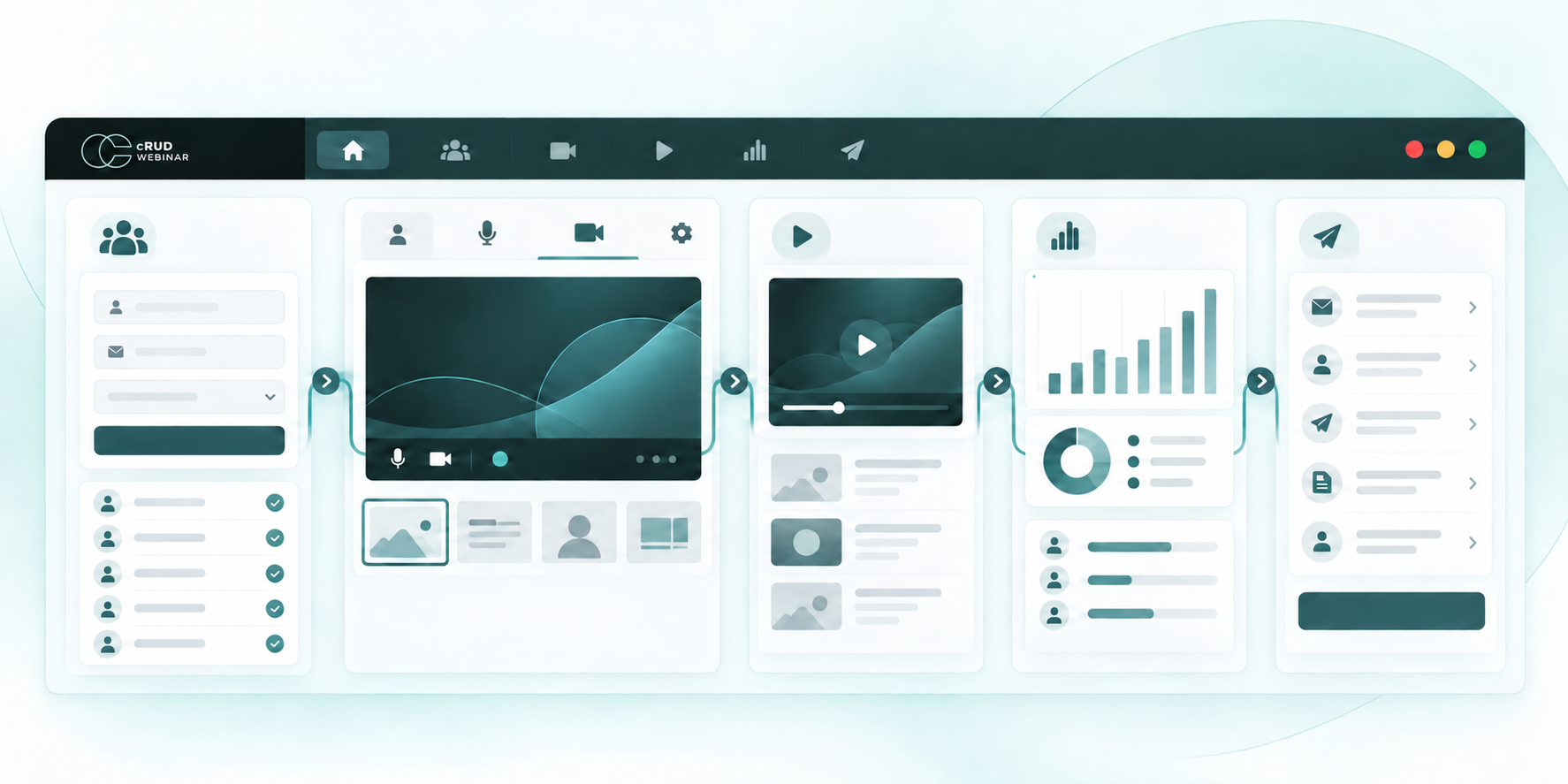
The webinar stays connected as it moves from an idea to a live or recorded experience and then into reporting, reuse and follow-up.
STEP 01
Decide who the webinar is for, set up registration and communication, and get speakers and content ready before the session.
STEP 02
Run the session live or from a recording, with the format, moderation and audience experience the programme needs.
STEP 03
Review registration, attendance, engagement and viewing evidence for the session and for the wider programme.
STEP 04
Turn that evidence into reviewed follow-up, reusable content and a better plan for the next webinar.
The full webinar journey
Before the session, the team defines the format, prepares speakers, decides access and communicates with the audience. During and after it, attendance, engagement, recording, replay and transcript evidence stay connected so the team can understand what happened and decide what deserves attention.
What remains after the session
Verified recordings support controlled replay, bounded Evergreen and Simulive, while standalone On-demand experiences start from an uploaded, verified source, with clear source readiness and viewer access rules for each mode.
Captions, transcripts, chapters and reviewed derivatives help people revisit the session, while connected reporting helps the team compare outcomes and improve the next webinar.
What carries forward
The audience defined during preparation is the audience measured afterwards. The session that was delivered becomes the replay that is reused. The evidence that was gathered becomes the basis for the follow-up that people approve.
How the workflow behaves
Use tags, registration rules, readiness checks, communications and delivery controls to keep the webinar moving through a known workflow.
Use attributable evidence and explainable recommendations to support the next decision. A person still reviews and approves invitations, audiences and external activation.
Questions
The cRUD Webinar website explains formats, solutions, security, integrations, plans and documentation in depth.